Development Environment Automation
Automation allows for consistent product delivery of high quality with a reduced risk for software regressions (i.e. breaking what previously worked).
By continuing to automate much of our software development processes, our engineers and software developers can devote more of their time delivering great software and embracing change instead of resisting it.
Automated Testing
Automated tests are at the core of any reputable software development project. These tests are typically called unit tests and and they do the following:
- Help promote small, highly testable components
- Provide constant feedback regarding progress
- Regression suite of tests
- Later adapted for performance and user acceptance testing
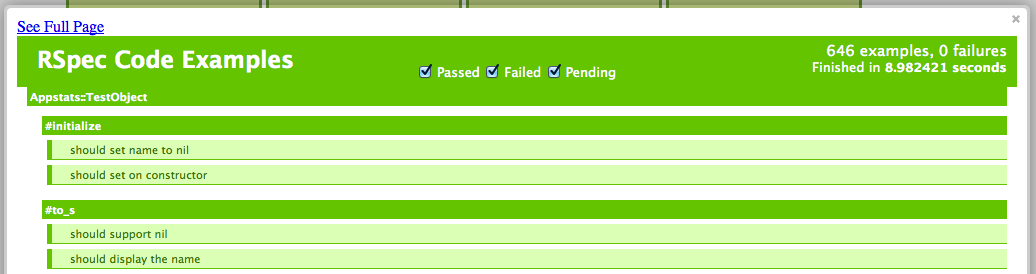
Tools available include JUnit, NUnit, and Rspec.
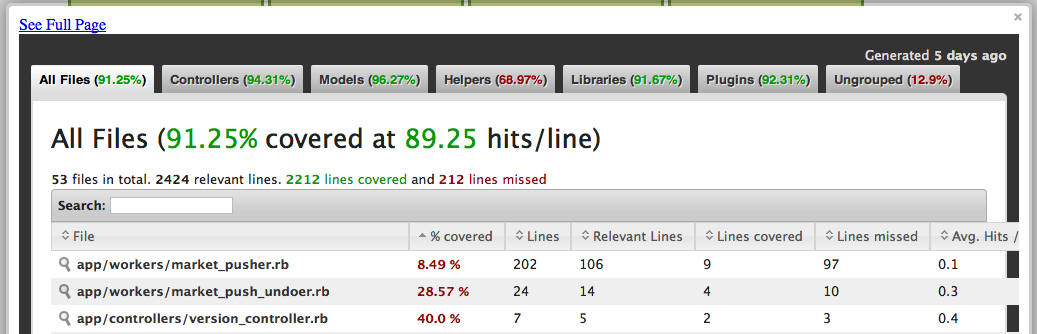
Automated tests need not be limited to unit tests, but can be extended to include for functional and end-to-end tests, including user interaction tests using Selenium (more below). You can also enhance these automated tests with additional metrics like code coverage.
Continuous Integration (CI)
Now that you have your tests, you need to automate their execution.
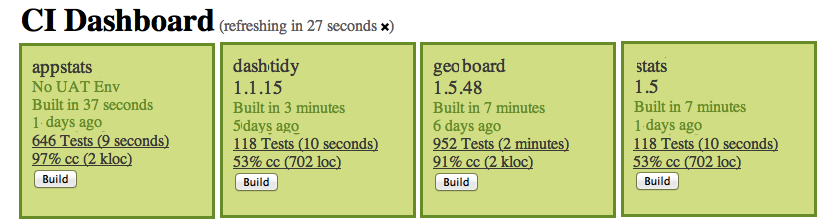
This is where a dedicated server will build and test (and later deploy) your applications after every delivery of new code. You will also want your tests to run daily to avoid server infrastructure changes that might cause problems even though the code base has not changed.
Continuous Integration:
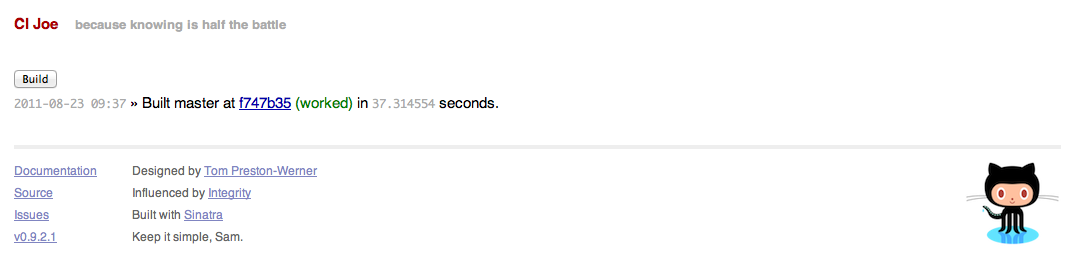
- Allows us to re-build our systems after ever change
- Custom dashboard (left) provides glimpse of development status
- Integrated with our monitoring and reporting systems
Monitoring
Monit is a monitoring tool to manage your server including running processes, memory and cpu usage, and file and filesystem monitoring.We configured monit on all of our servers, managed via a separate project (allowing one-click deploys).
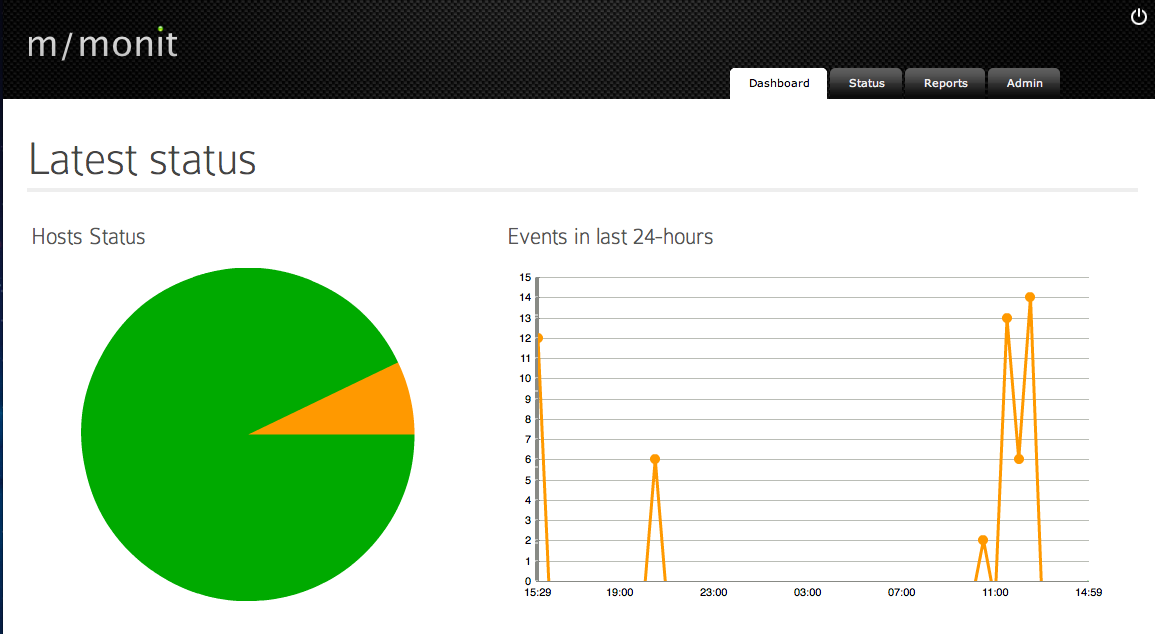
Monit discussed at length, here.
Liveness Testing
Using a SaaS like Scout from SauceLabs you can run your selenium tests wrapped in Rspec
      require "spec_helper"

      describe "try.umple.org" do
        it "homepage" do
          page.open "http://try.umple.org"
          page.is_text_present("Draw on the right, write (Umple) model code on the left").should == true
        end
      end
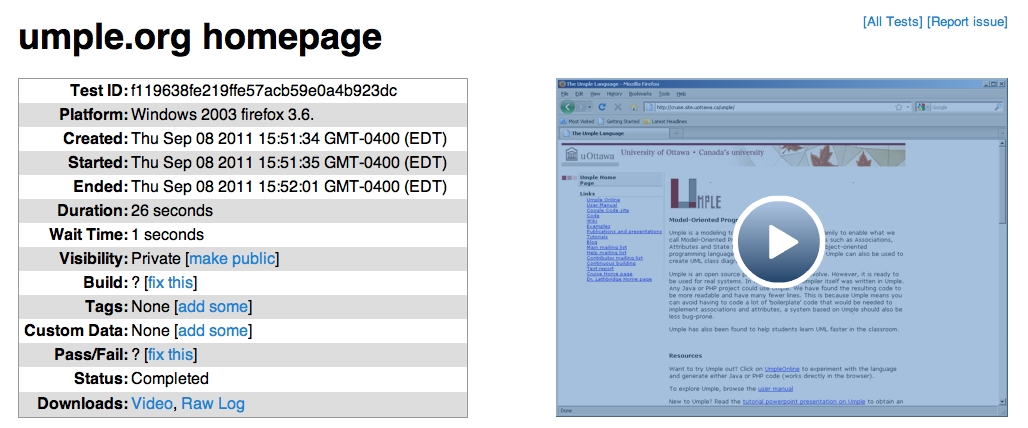
The tests become available in the dashboard.
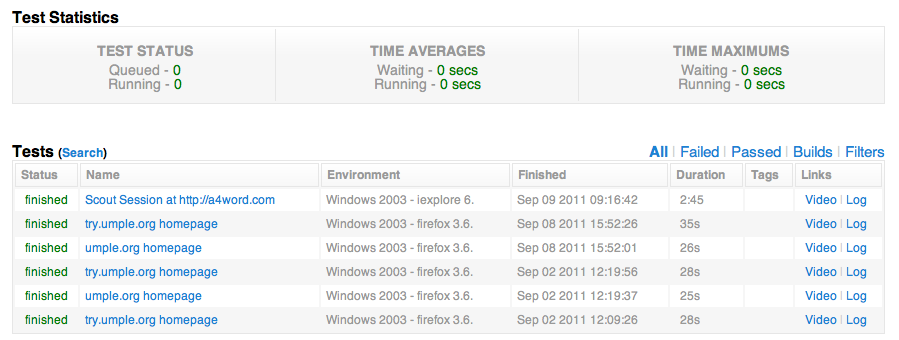
With a summary and video available for each one.
Continuous Delivery
Enhance your build server even more, so that after every successful build, perform an automated deployment. If you publish your application live, such as this site then its called continuous deployment. If you deploy to a staging server (where all else would be done the same, just to a different server) then its called continuous delivery.
Automatically deploying your application further automates the little manual things such as data migration, "We'll be Back" messages, web server reloading, etc.
Infrastructure Automation
Automating the testing, delivery and deployment of your software helps ensure your application works well in a pre-defined environment. Automating the environment helps ensure a consistent pre-defined environment.
Chef allows you to build new server instances on demand with no human intervention. Tracking your recipes in a repository helps you to manage the evolution of the development stack as you move from a standalone server (snippet shown below), to a highly decoupled environment where each process is given separate resources (e.g. DB clusters, app servers, load balancers, etc).
      name 'standalone'
      description 'This role should be used when you want an all in one solution.'
      default_attributes(
        :mysql => {
          :server_root_password => "******"
        },
        :java => {
          :install_flavor => "sun"
          :version => "1.6"
        }
        :ruby => {
          :version => "1.9.2"
        }
      )
      run_list %w(recipe[rails_root] recipe[socketio_standalone] recipe[cas] recipe[mysql] recipe[java])