Monitoring System Health using Monit
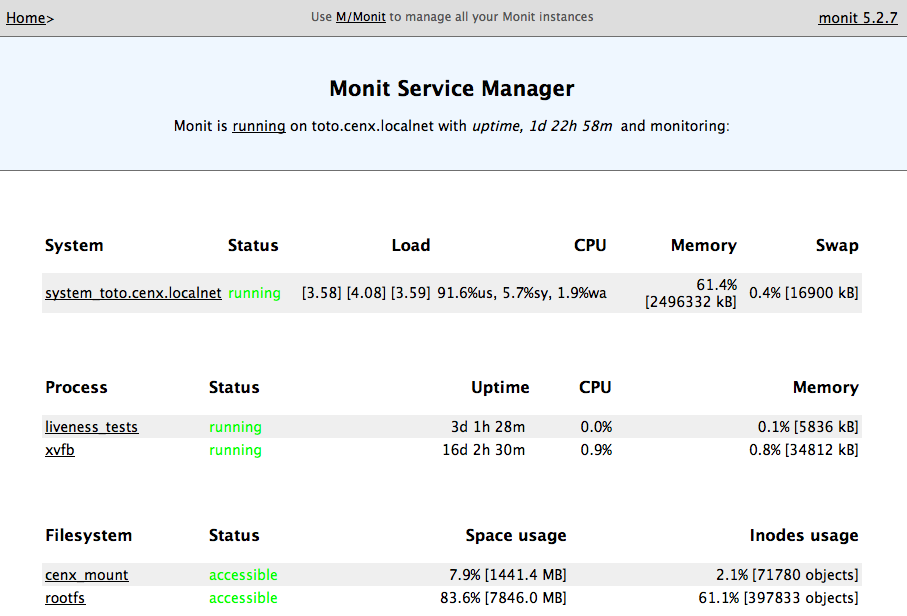
Monit is a monitoring tool to manage your server including running processes, memory and cpu usage, and file and filesystem monitoring.
To manage deployment of monitoring changes amongst all of our server, we create a separate project using:
- Git for the repository
- Capistrano / Ruby for deployment
This project allows us to perform the following 'one-click' operations on one or more servers:
- Install / Configure monit on new servers a, b and c
cap HOSTS=a,b,c install:monit
- Upgrade monit all servers
cap upgrade:monit
- Update monitoring scripts (i.e. monitoring new files, processes, etc)
cap deploy:monit
The monit scripts monitor things like
check device rootfs with path /dev
  if space usage > 80% 5 times within 15 cycles then alert
check process abc with pidfile "/home/deployer/abc.pid"
  start = "/etc/init.d/abc start"
  stop = "/etc/init.d/abc stop"
  if 4 restarts within 5 cycles then timeout
In addition, we integrated 3rd party tools such as CruiseControl.rb, Cijoe (alternative to CruiseControl.rb), WebDriver / Selenium UAT tests using filesystem checks. Each third part tool, would output a status file where "small" files represent successes (i.e. nothing wrong), where as "large" files would represent failures (i.e. something has gone wrong).
This integrates nicely with Monit, as it can monitor the size of these files and provide a consolidated view of your entire IT / Software Development infrastructure.
For example, when building a project (e.g. during Continuous Integration), we would output the details into a file (one per project). A successful build would simply state, "Project X build successfully", whereas a failed build would contain a full stack trace for debugging purposes.

The monit script entry would then look like:
check file Build_ProjectX_Status with path /home/deployer/log/ProjectX.cc
  if size > 1000 b then alert
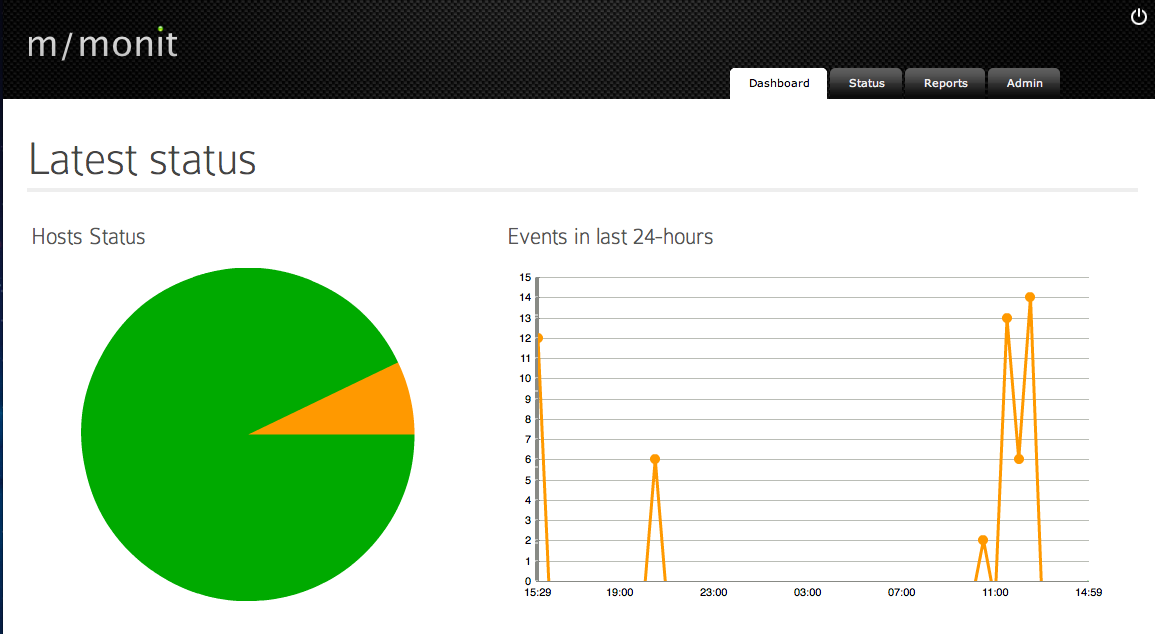
Finally, we deployed M/Monit as a means to consolidate statistics from all of the monit services running on all of our systems.